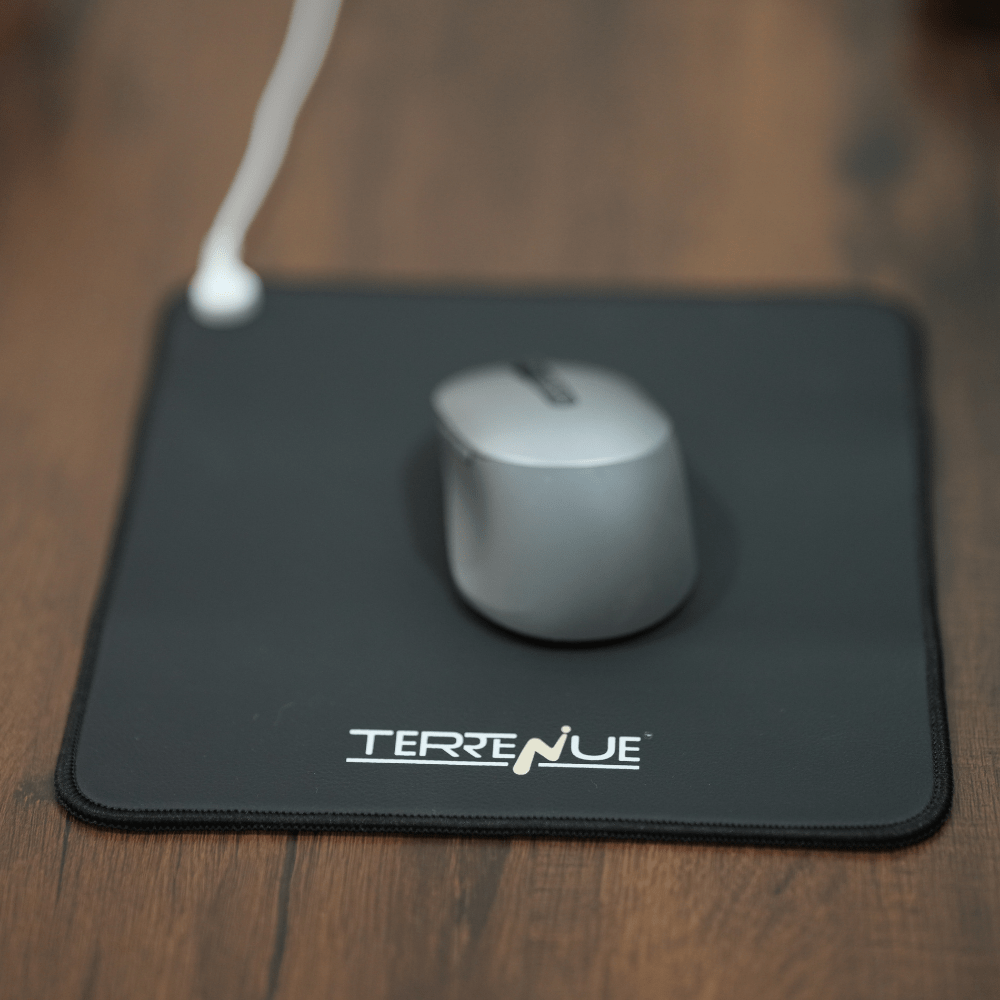
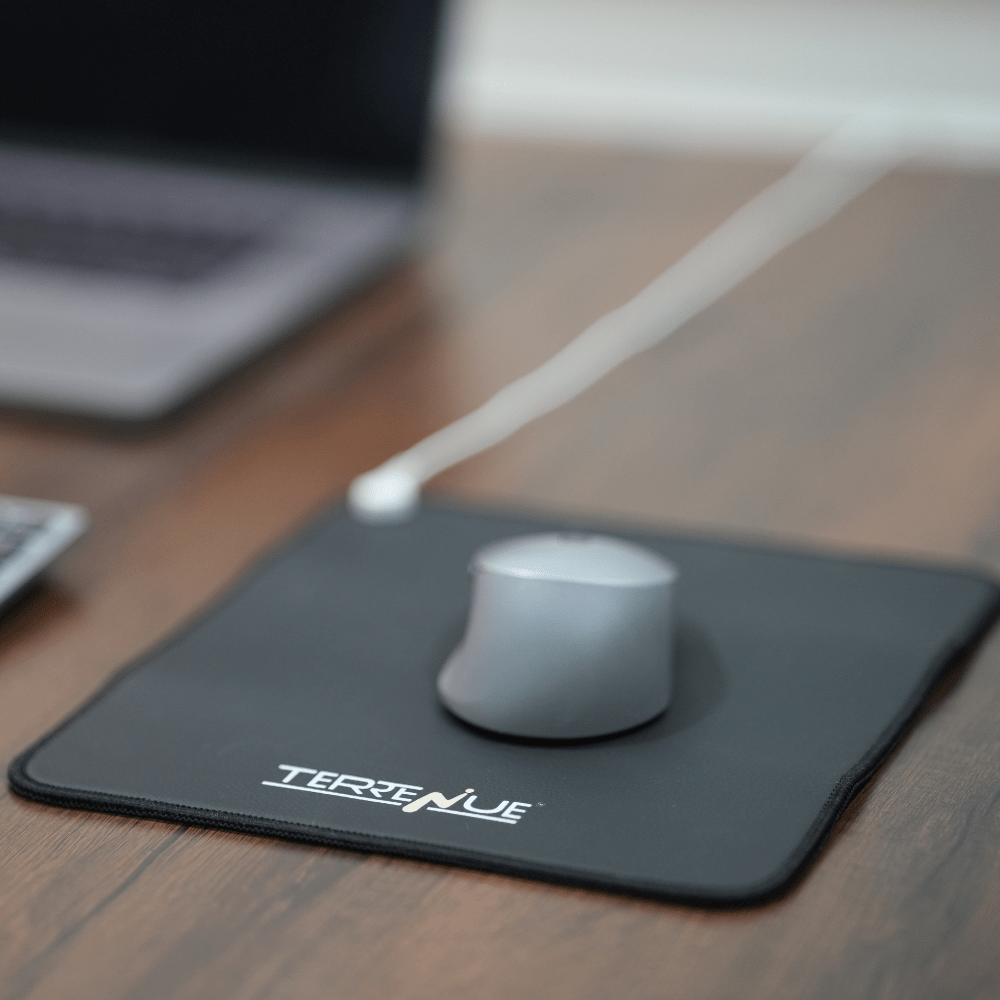
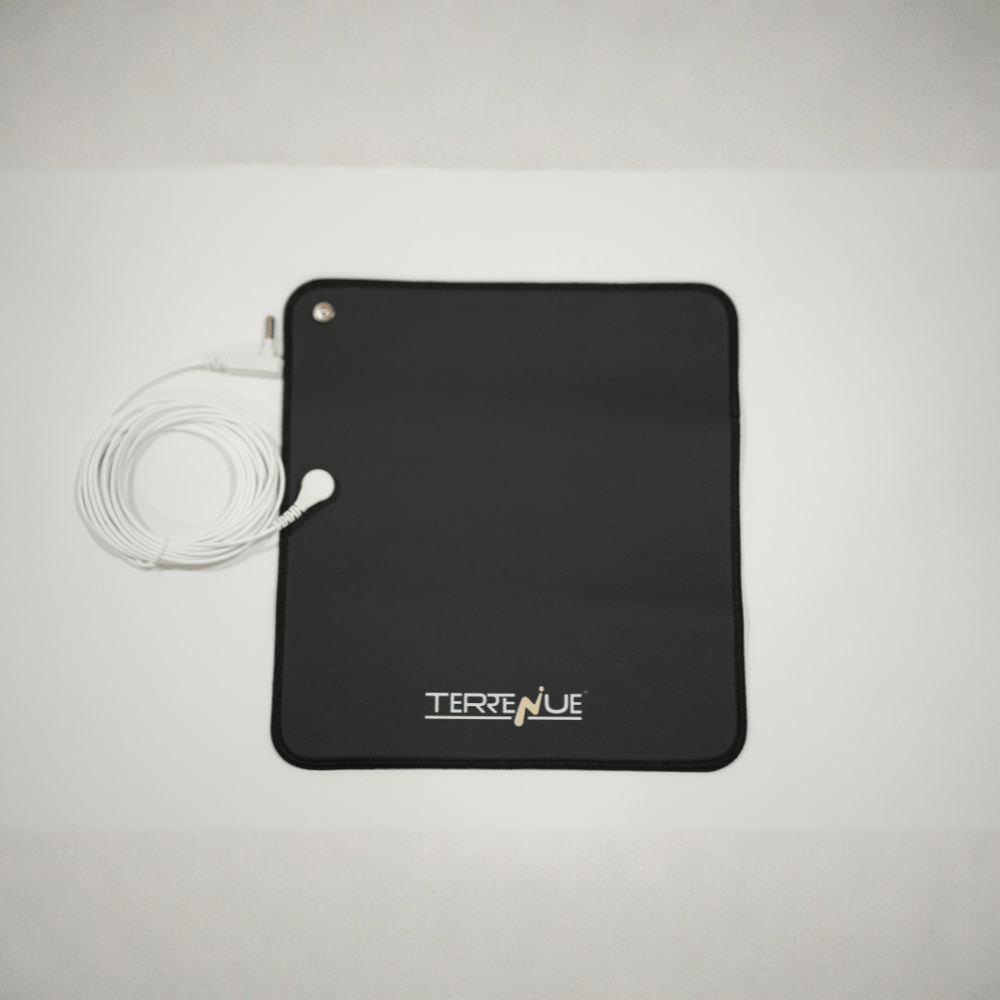
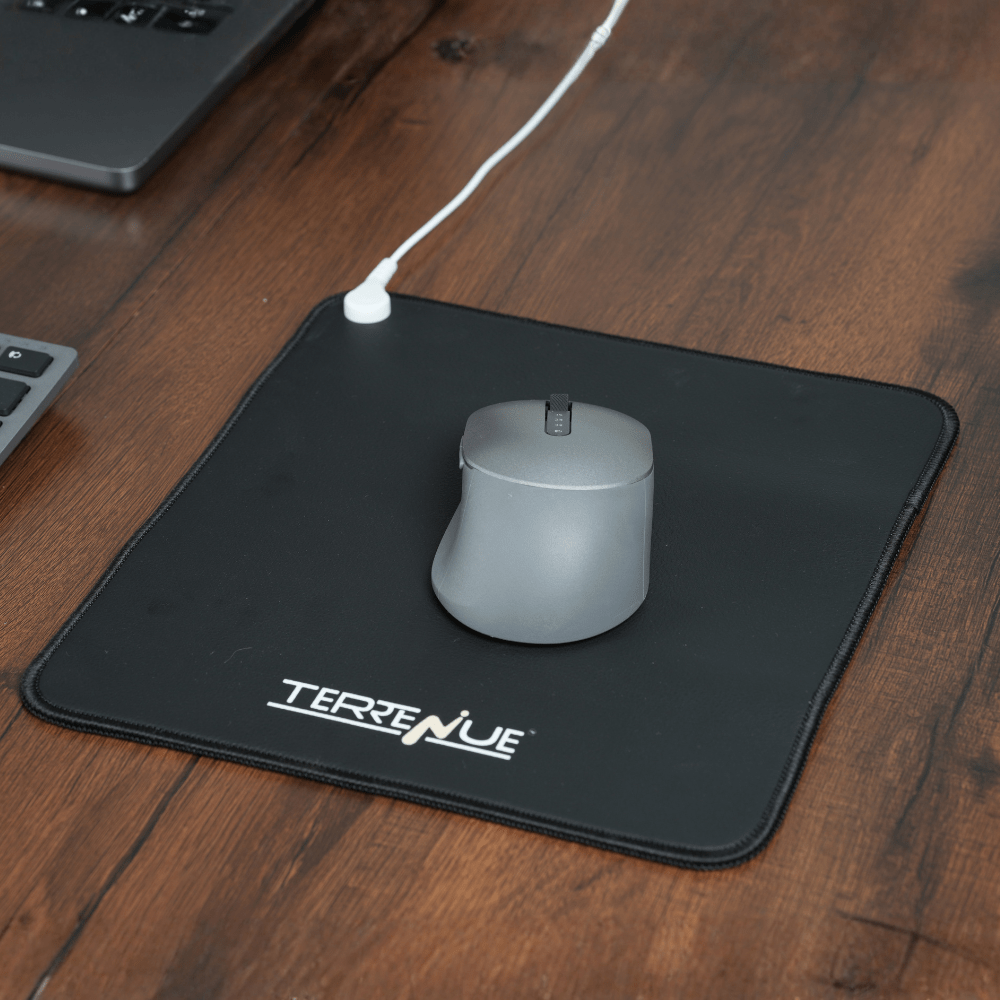
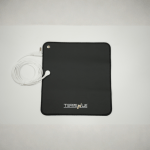
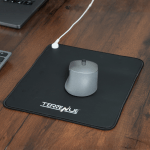
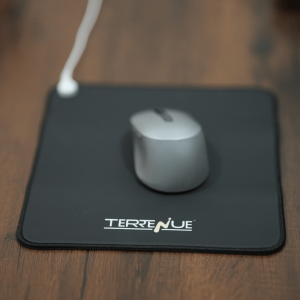
TerreNue’s Earthing Mouse Pad is a wellness-support desk accessory designed to enable indoor grounding during computer and desk-based activities. The mouse pad provides a conductive surface that connects to the earth’s natural electrical potential through a grounded wall outlet. When bare skin (such as the hand or wrist) comes in contact with the pad, electrons from the earth may be transferred to the body, mimicking natural grounding experienced outdoors. Designed for everyday workstation use, the mouse pad integrates grounding into routine computer work while maintaining stability, comfort, and ease of use. Materials are selected to be skin-safe, odorless, and suitable for prolonged indoor contact.
Size : 25 x 23cm
Conductive earthing surface – enables grounding when connected to a properly grounded outlet. PVC-free material – reduces exposure to synthetic plasticizers and supports indoor safety. Latex-free construction – suitable for individuals with latex sensitivity. Odorless, eco-friendly material – designed for comfort during prolonged desk use. Naturally anti-skid base – provides stability during mouse movement. Premium grounding cord (4.7 m) – allows secure and flexible connection to a grounded wall outlet.
Supports grounding practices during prolonged computer or desk work.
May promote a sense of physical comfort and relaxation during extended screen time.
Encourages consistent grounding without interrupting workflow. Provides a stable, anti-skid surface for precise mouse control.
Non-invasive, drug-free wellness support suitable for daily office or home use.
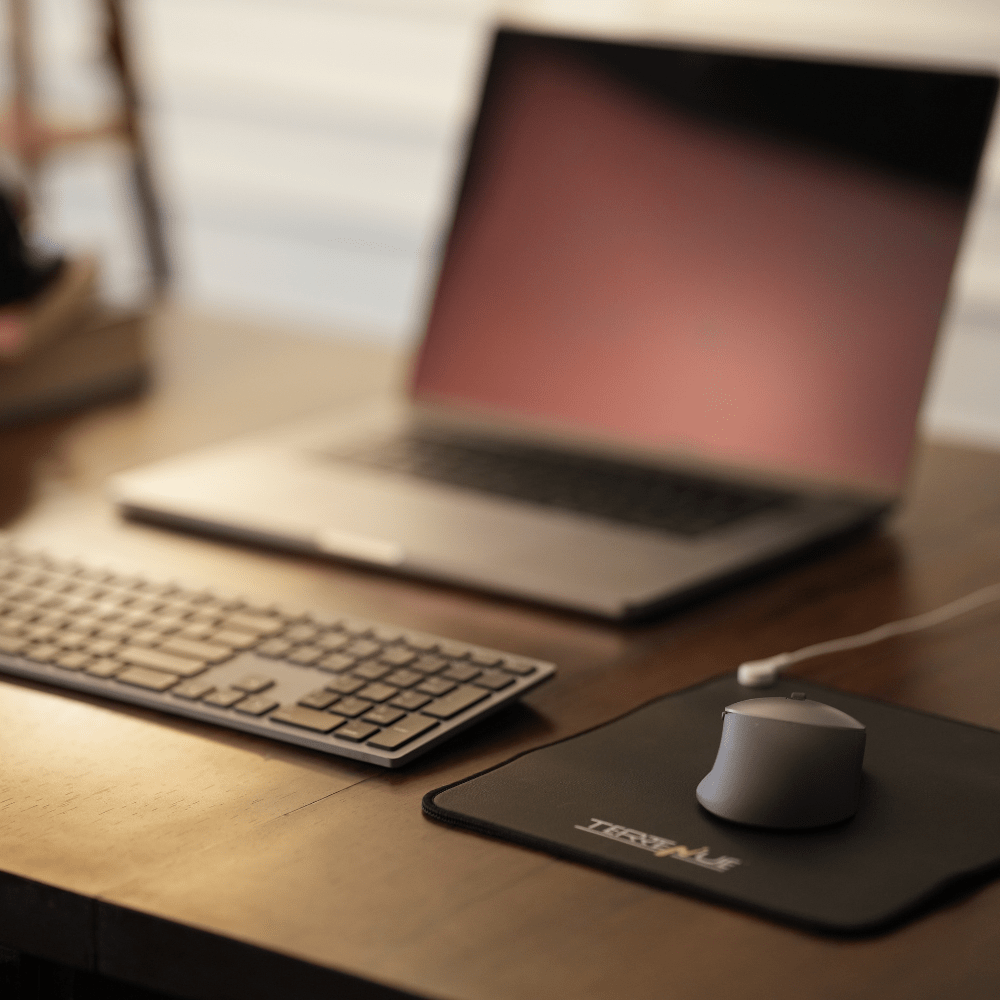
Easy integration into existing workstation setups.
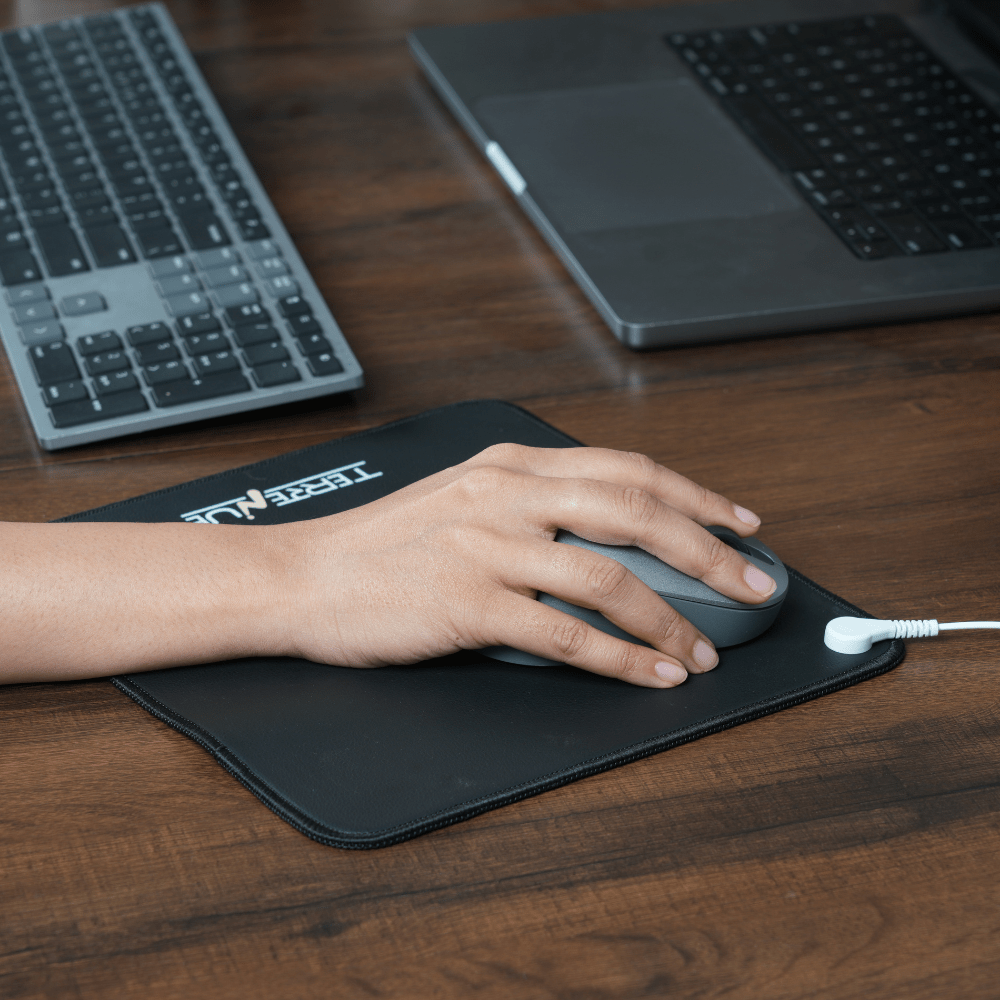
Step 1: Place the earthing mouse pad on a flat desk or workstation surface. Step 2: Firmly insert one end of the grounding cord into a properly grounded wall outlet. Step 3: Snap the other end of the grounding cord onto the connector tab on the mouse pad. Step 4: Ensure direct bare skin contact with the pad (hand or wrist) during computer use. Step 5: No switch activation is required; the mouse pad functions passively once connected.
During computer work, laptop use, or desk-based tasks.
During prolonged periods of screen time. While working from home, office, or clinical workstations.
Can be used throughout the day as part of a regular work routine.
Adults engaged in regular computer or desk-based work.
Office professionals, students, and remote workers.
Health-conscious individuals seeking non-pharmacological wellness tools.
Clinics, workstations, or integrative care environments incorporating grounding practices.
Individuals with implantable electronic medical devices (e.g., pacemakers or defibrillators) should consult a healthcare professional before use.
Avoid use on areas with open wounds, broken skin, or active skin infections.
Individuals uncertain about the grounding quality or electrical safety of wall outlets.
Use caution in environments with unverified or unstable electrical grounding systems.
This product is not intended to diagnose, treat, cure, or prevent any medical condition.
Care: Wipe the mouse pad using a damp sponge with mild soap and water. Drying: Allow the pad to air dry completely before reuse. Avoid: Do not use bleach, chlorine, or harsh chemical cleaners. Skin Preparation: Avoid applying lotions, creams, or body oils before contact, as these may oxidize conductive surfaces and reduce effectiveness over time. Safety: Ensure the wall outlet is properly grounded and inspect the grounding cord periodically for wear. Best Practice: Maintain regular bare skin contact during use as part of a daily work routine.
.webp?updatedAt=1761805405822)